
Audit Planning & Scheduling Tab
To add new job business objective, follow these precise steps in Abilite’s Audit Planning & Scheduling tab:
Open Audit Planning & Scheduling
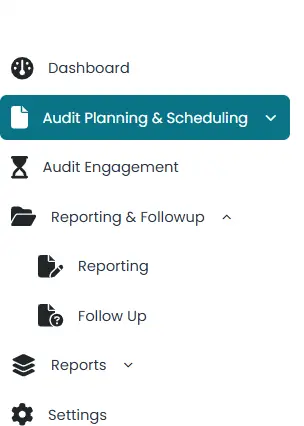
1. Open Audit Planning & Scheduling
> From the left menu, click Audit Planning & Scheduling.
2. Initiate Audit Universe
> Click Add Universe.
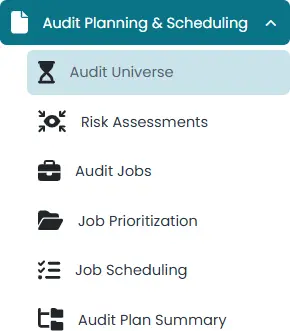
> Then click the Add to Audit Universe icon on the right to reveal three vertical panels.

3. Launch the Business Objective Panel
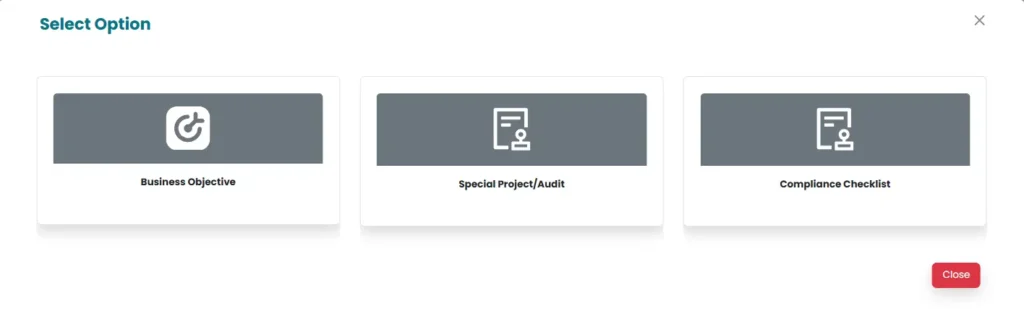
> Click the Business Objective icon in the panels.
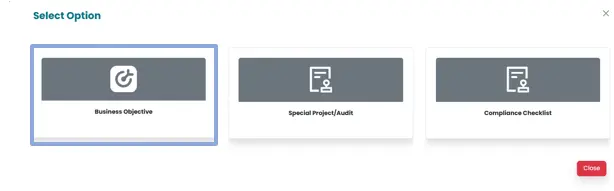
> Three drop menus will appear.
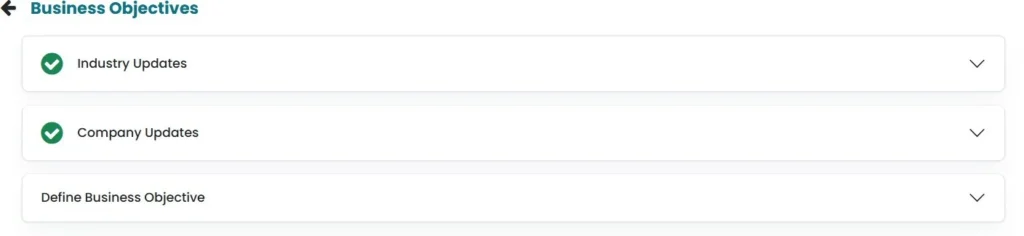
4. Enter Industry Updates
> Populate updates relating to Industry by clicking on “Industry Updates”. Then click on Save button to save the changes made.

5. Enter Company Updates.
> Populate updates relating to the company by clicking on “Company Updates”. Then click on Save button to save the changes made.
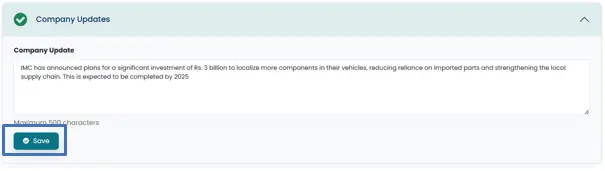
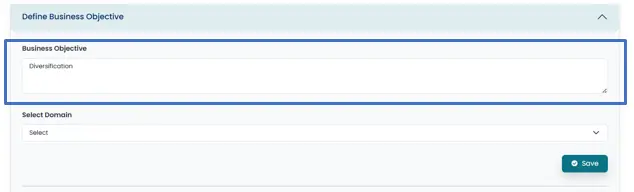
6. Define the Business Objective
> In the third dropdown, choose Business Objective.
> Enter your objective text in the provided field.
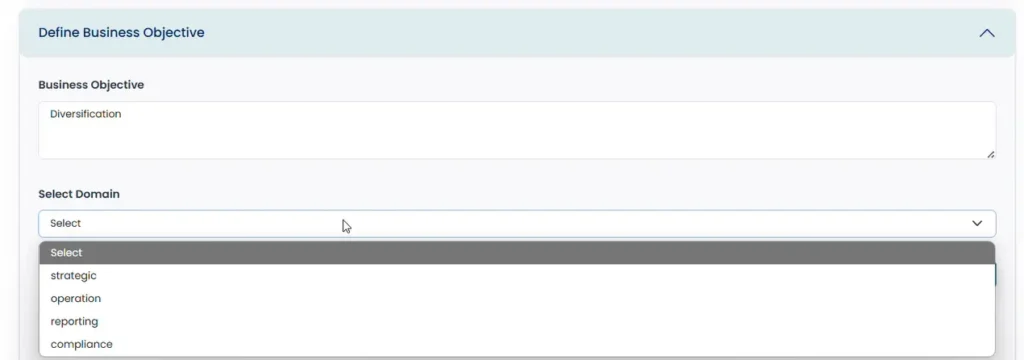
7. Select the Objective Domain
> Use the Domain dropdown to pick one: Strategic, Operations, Reporting, or Compliance.
8. Enable Financial Quantification (Optional)
> If applicable, slide Financially Quantifiable to On.
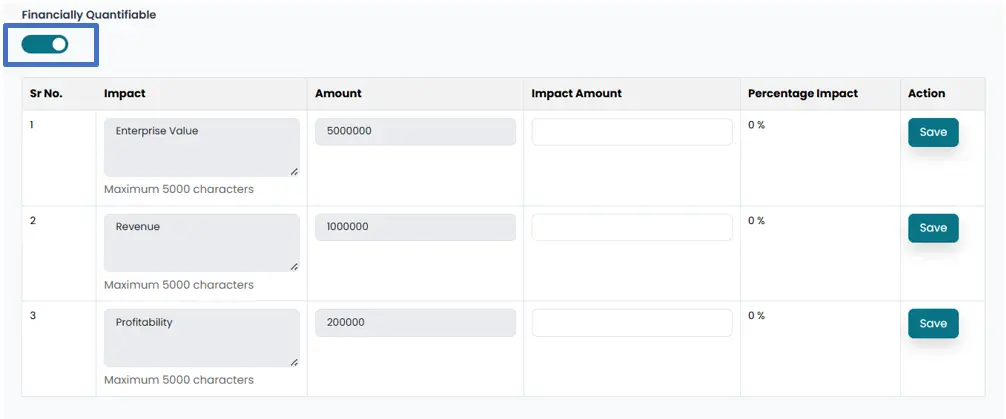
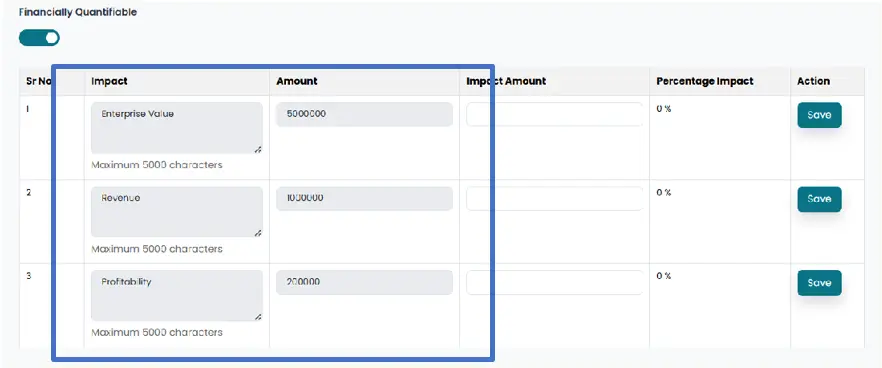
> Impact description and amount will be populated from settings in the system
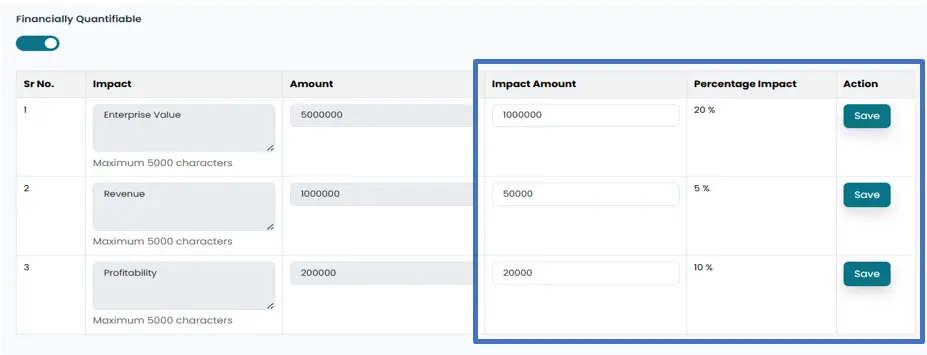
> Populate the Impact amount, then the system will calculate the percentage impact, the objective has on business. Click on each Save button to save the progress.
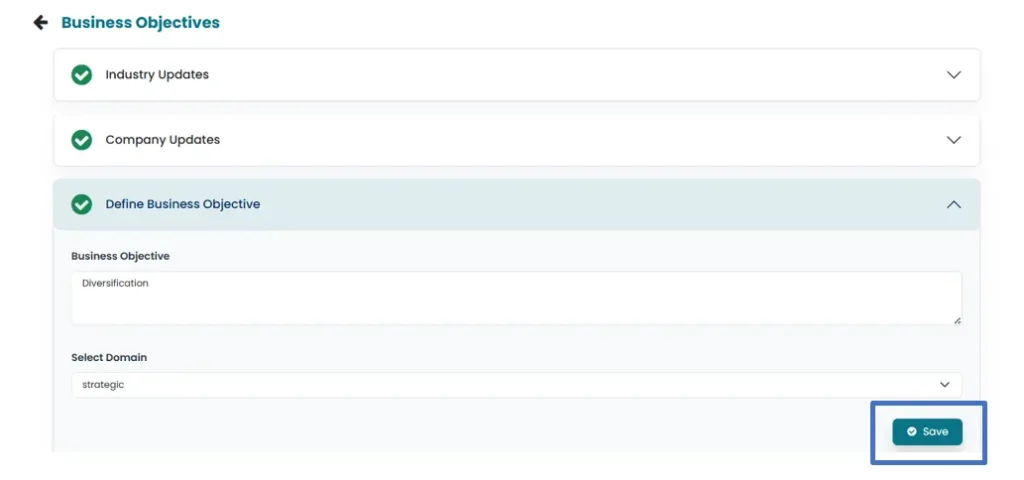
9. Save the Business Objective
> Click the Save button to store your objective.
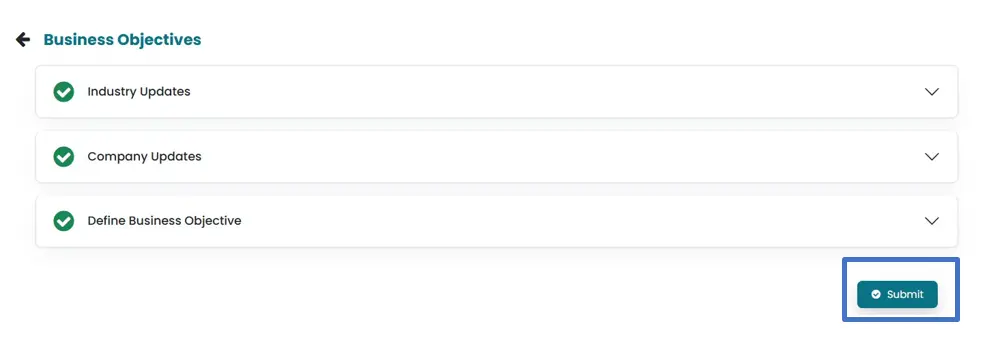
10. Submit for Risk Assessment
> Click Submit; the objective moves automatically to the Risk Assessment section.
11. Return to Audit Universe
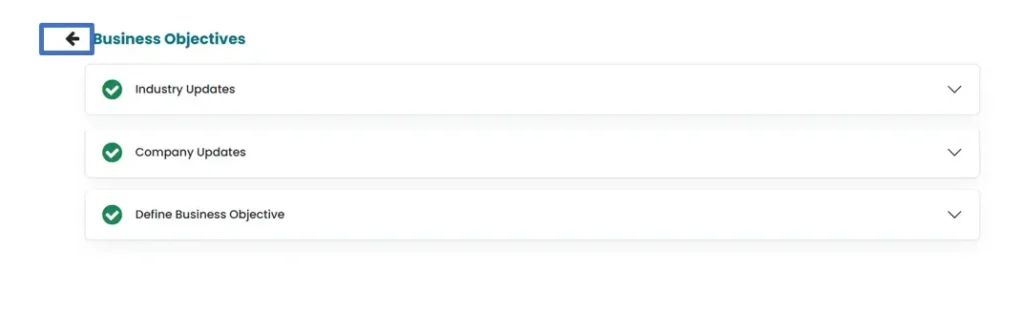
> Click the Back icon to go to the Audit Universe main screen, where Audit Universe, Selected Vertical, and Initiated By fields are populated by the system.

12. View or Delete Objectives
> To view, click the eye icon.

> To delete, click the trash icon.
Note: Only users with Team Lead, Audit Executive, or Internal Audit Head roles can create or submit business objectives.