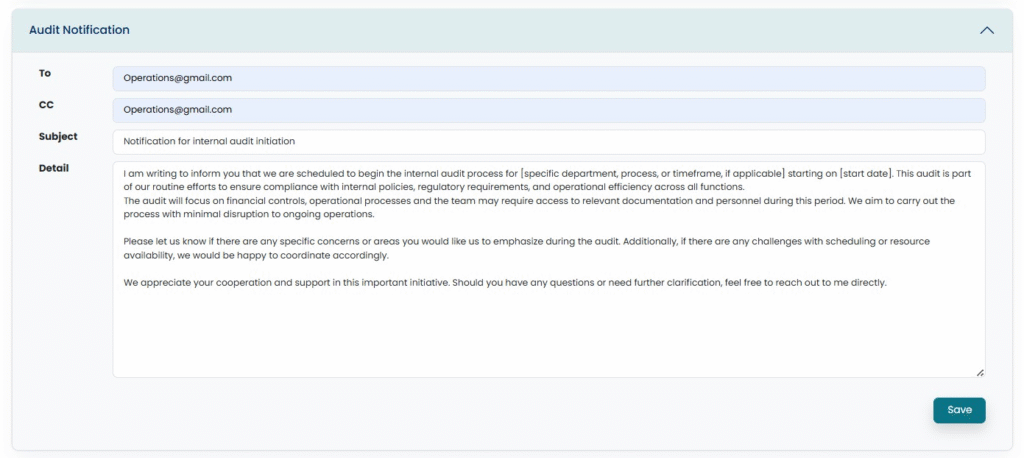
Users can optionally skip this step, otherwise, they inform the Auditee by sending an Audit Notification using a predefined template which they can modify. Open the drop-down by clicking on Audit Notification.
Upon adding the Auditee’s email, updating the Subject, and attaching any supporting document, the User can then “Submit” the Notification, resulting in an email sent through the system along with the attached document.