
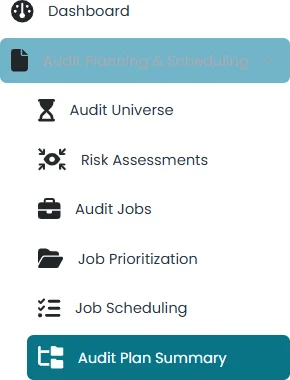
- All the jobs submitted in the job scheduling section will appear in audit plan summary section.
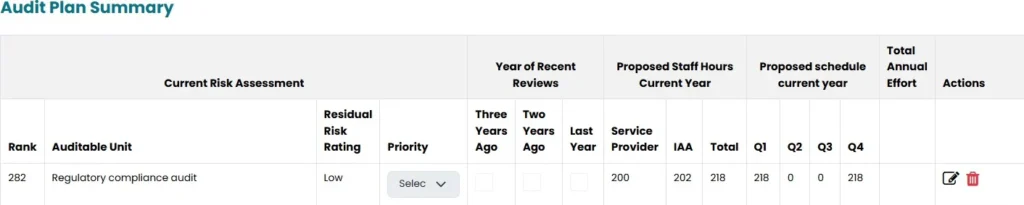
- Under this section, current risk assessment, proposed staff hours (current year), Proposed Schedule (current year) will be populated from the previous sections
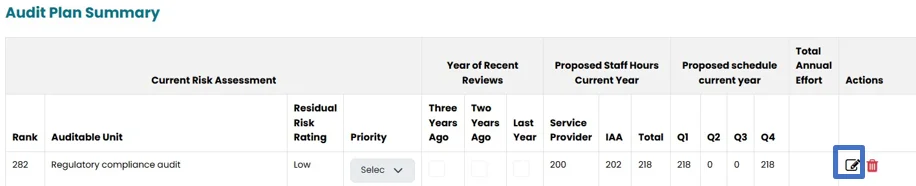
- User can click on edit icon to make the changes in this section.
- Select the priority from the drop down list
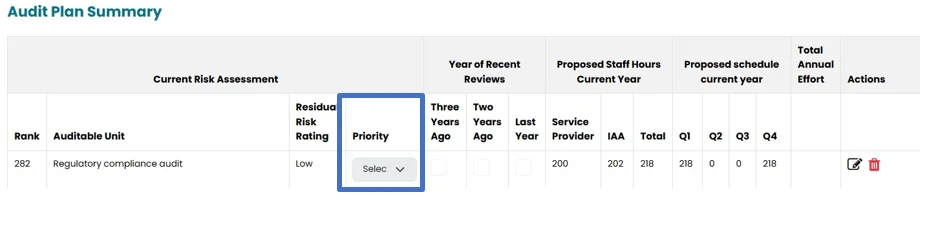
- Check one of the boxes in the year of recent review.
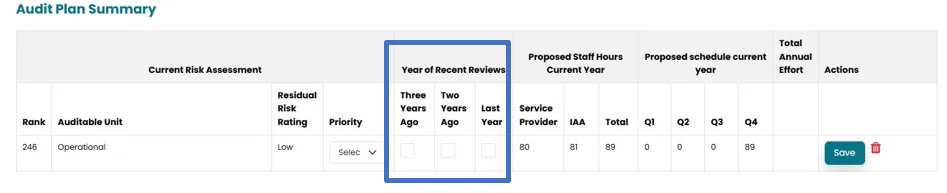
- Click on save button to save the added information.
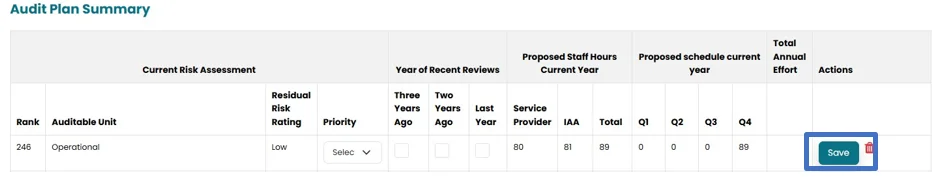
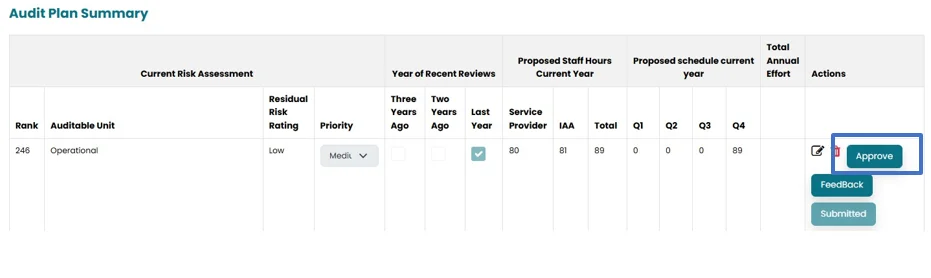
- By clicking on the submit button, an “Approve” button will appear in the Internal Audit Head’s account in the Audit plan summary section. The Internal Audit Head can review all the jobs and then “Approve”.
Please note that only the Internal Audit Head’s approval is required to finalize the Job Planning.

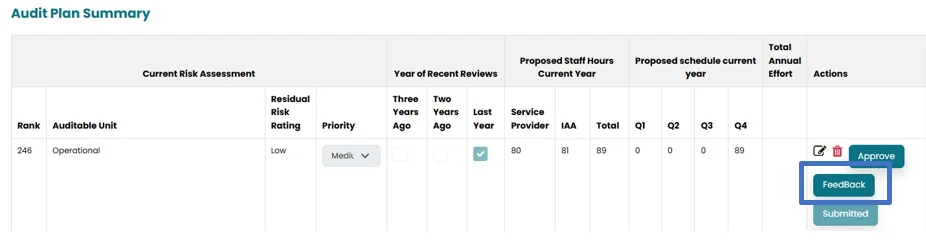
- Internal audit head can click on feedback to give his feedback on the job. View Feedback icon will appear in the Job Approver account to view the feedback.
Note: Once the Schedule is approved, No Changes can be made to the Approved Schedule. And it will move to the Audit Engagement Section.
Audit Plan summary can only be edited by job Approver and Internal Audit head and only Internal Audit Head can Approve Audit Plan Summary.