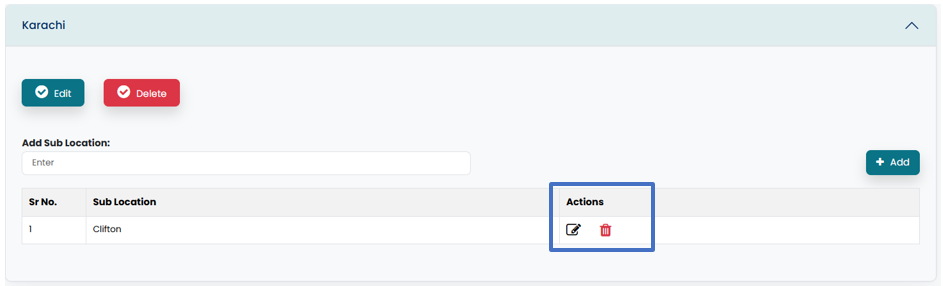
Create and manage Locations/Departments and Sub Location/ Sub Departments in this section.
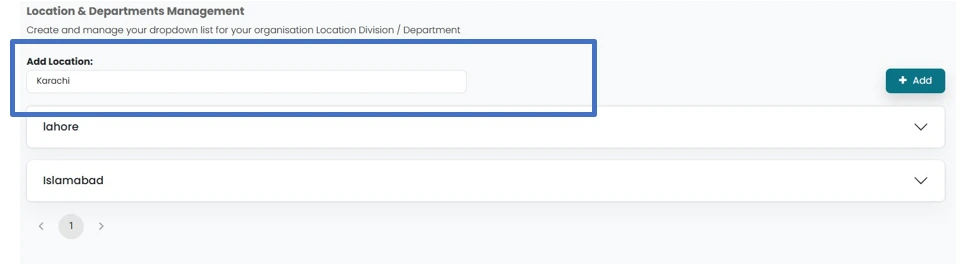
- Add Location/Department by adding name in the area provided.
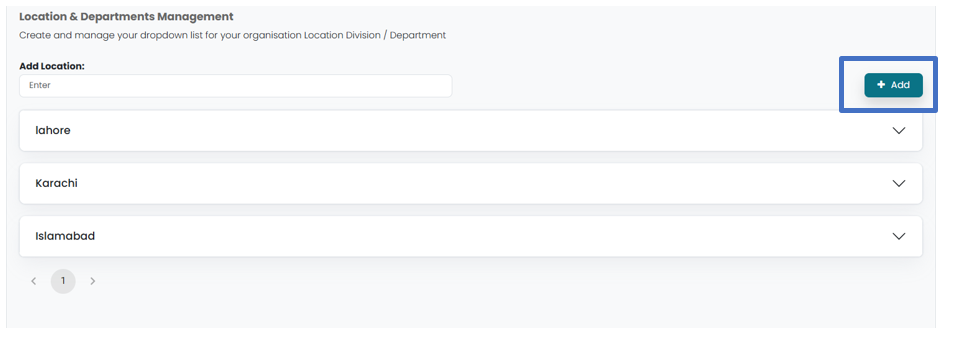
- Click on Add button in order to add the Location/Department.
- Add sub location/Sub department for the location/ department by clicking on the added Location/ Department, which will open a drop-down window.
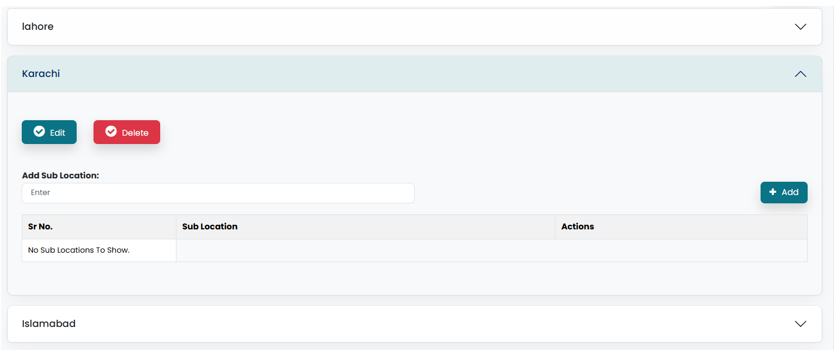
- Add sublocation/department in the area provided.
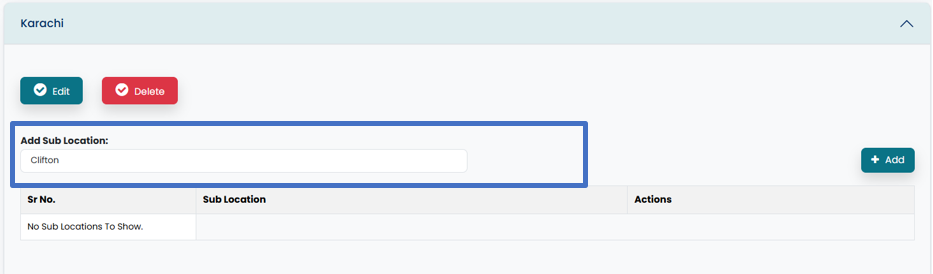
- Click on Add button in order to enter sub location/ department in admin account.
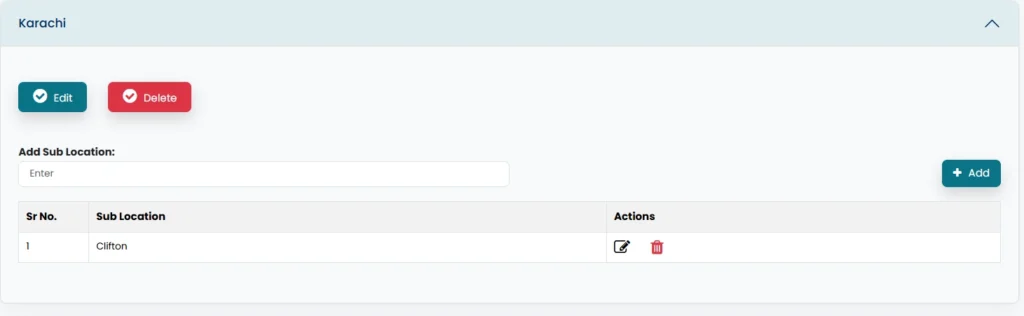
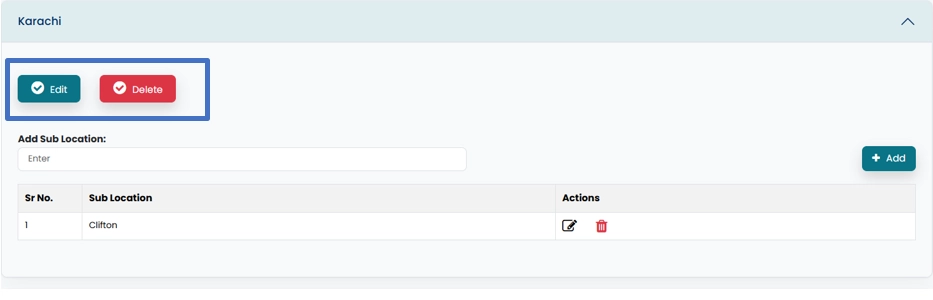
- Location/ Department can be Edited/ deleted by clicking on Edit/ Delete button.
- Sub location/ Sub department can be edited /deleted by clicking on Edit/delete icon.