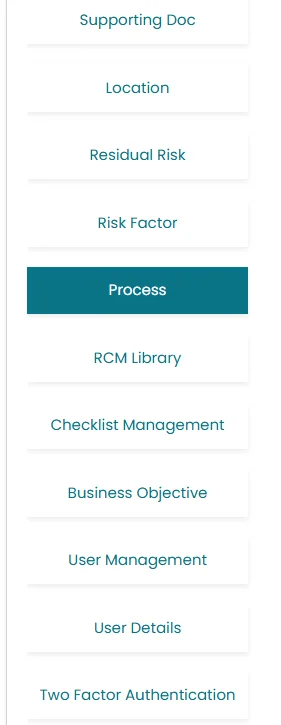
- Click on Process Located at left side of the screen.
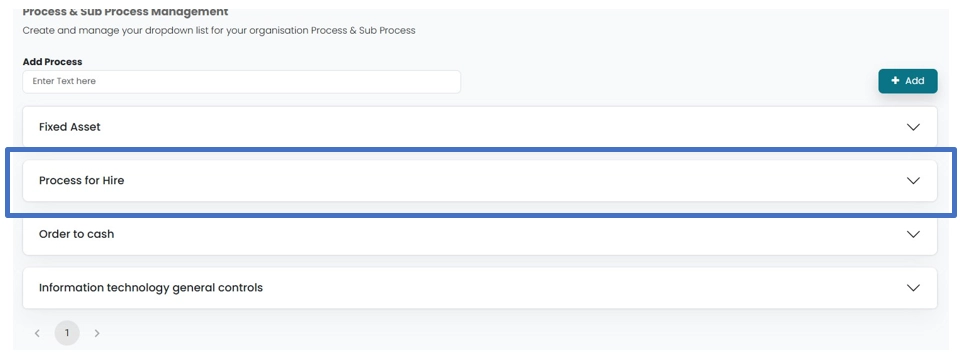
- User can Add process by entering data in the area provided at the top of the process screen. Then Click on Add button.

- Sub Processes can be added by clicking on the process, to which User want to add any sub process.
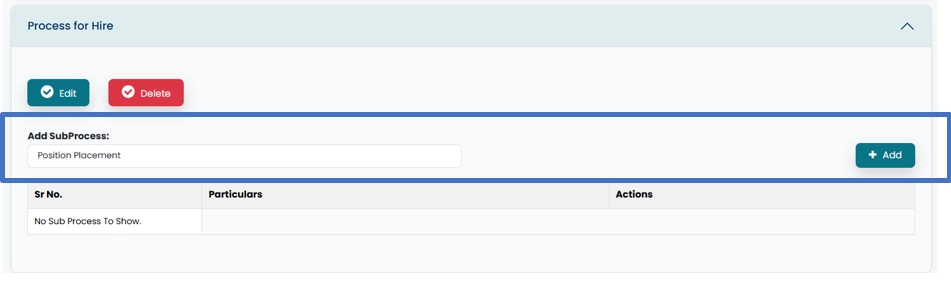
- A drop-down window will open, where sub processes can be added.
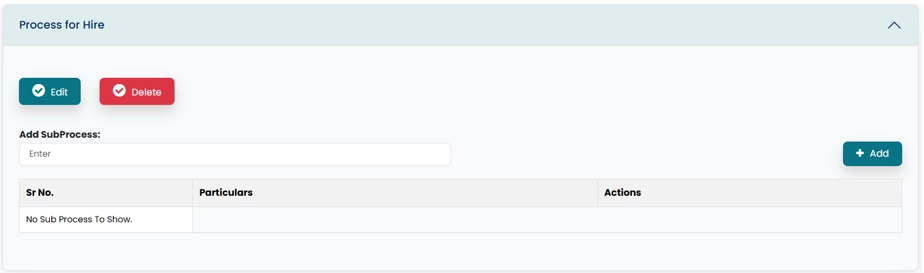
- Enter Sub process in the area provided and then click on Add button.
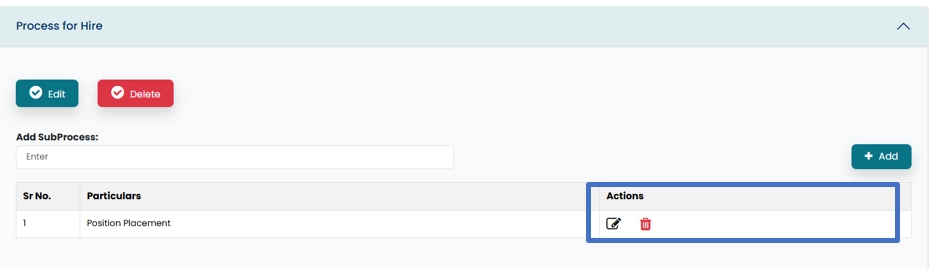
- Added sub process can be Edited or deleted by clicking on respective icon.