
- Click on Audit Jobs under Audit Planning and Scheduling on the left side. Under this section, Objective will automatically come from the “Audit Universe Section”.
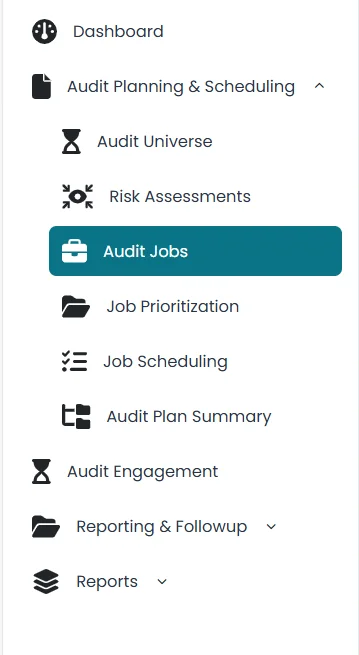
- Click on the relevant Business objective.
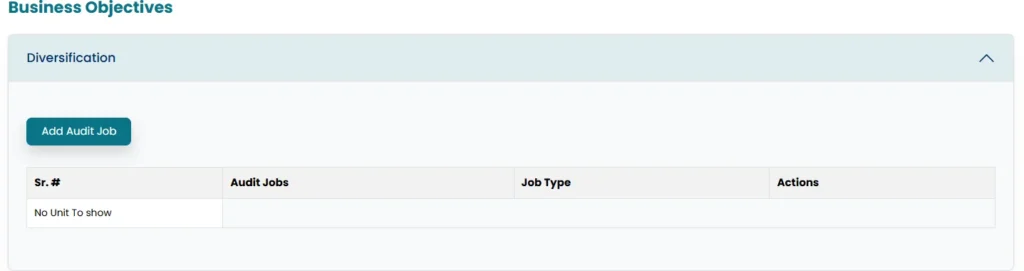
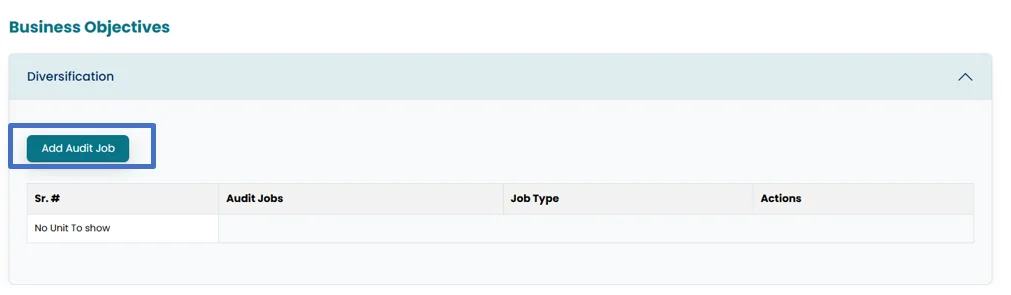
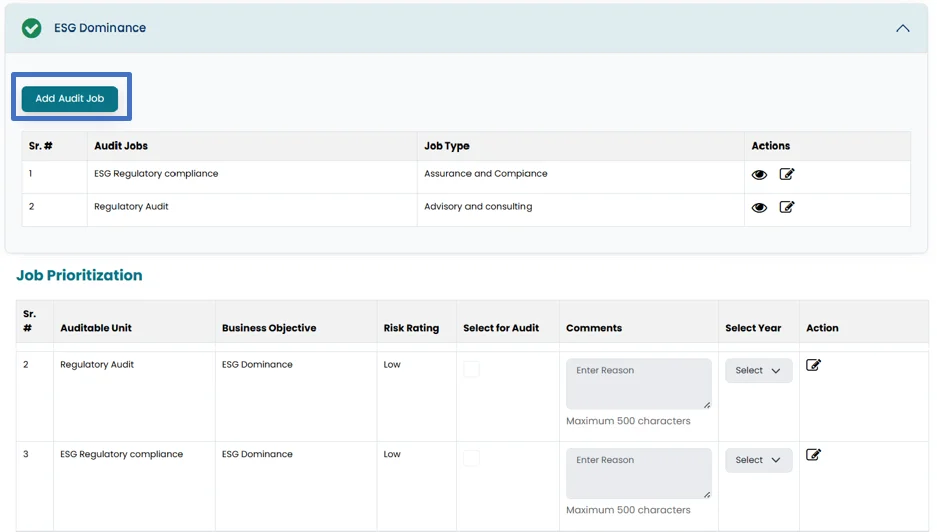
- Click on Add Audit Job in order to add audit job in relation to business objective.
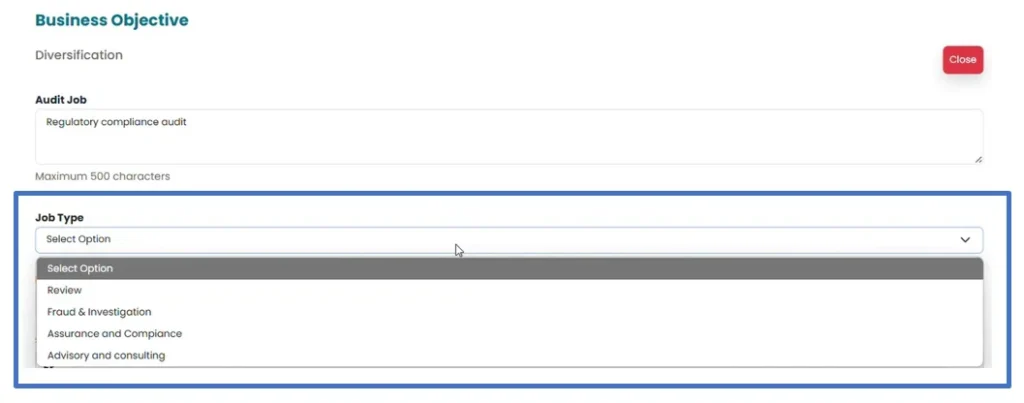
- Enter an audit job related to business objectives in the area provided.
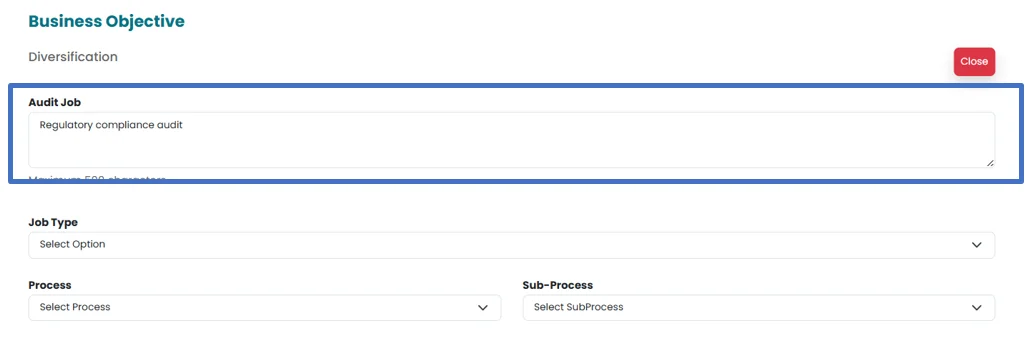
- Select job type from the drop-down menu.
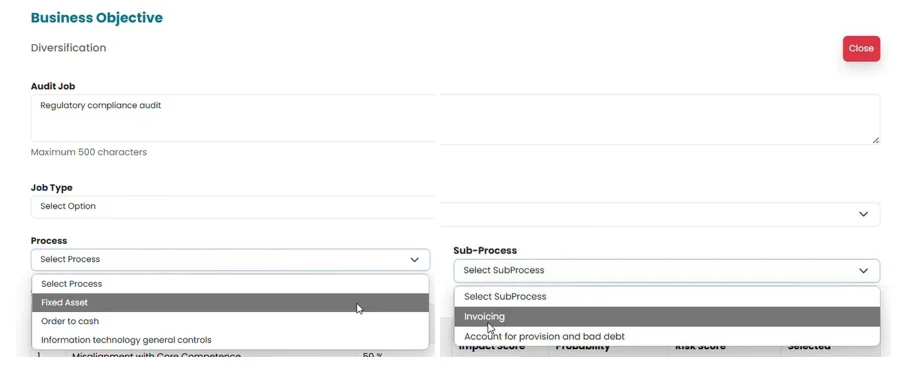
- To proceed with the audit, it is essential to select the relevant “Related Process” and “Sub-process” for the job.
Note: The availability of the Library and the Checklist in the Audit Engagement Section is dependent on this selection.
- Processes and Sub Processes are populated by the system from settings. New processes and Sub Processes can be added from settings.
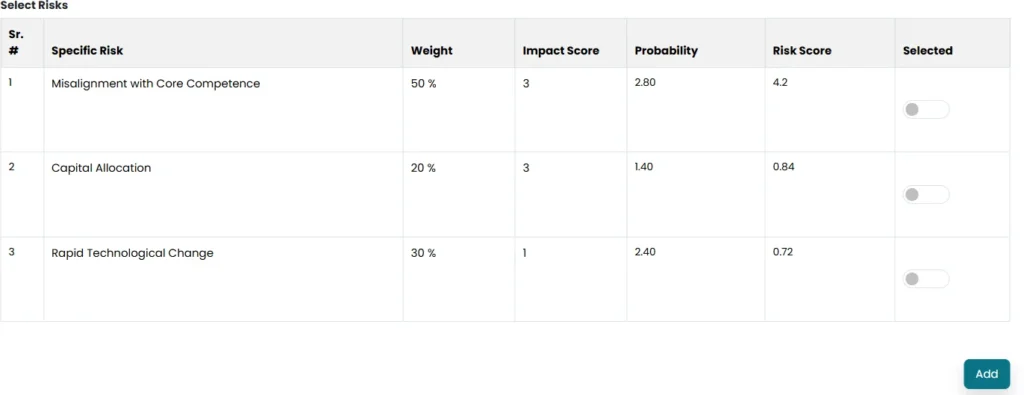
- Risks are populated from the risk assessment section.
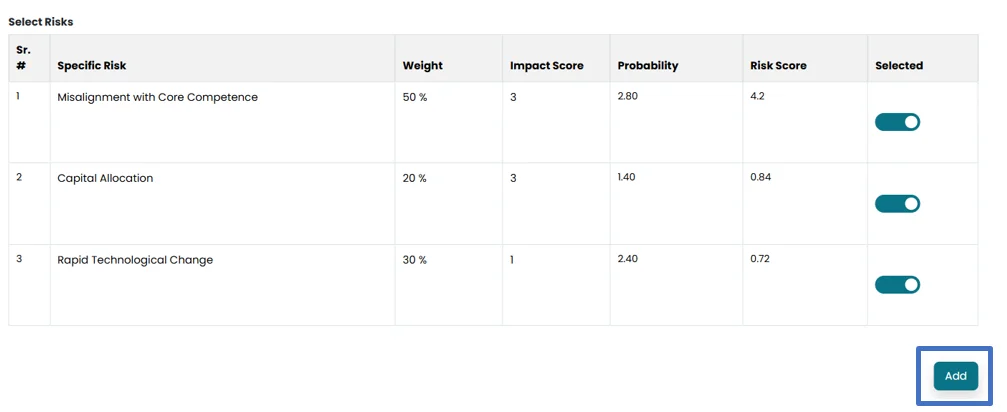
- Click on Add to save the job.
- More jobs can be added by clicking on add audit jobs. Separate Auditable Unit will be created in job prioritization for each added audit job.
- Click on Submit Audit Job in order to move it to Job Prioritization.
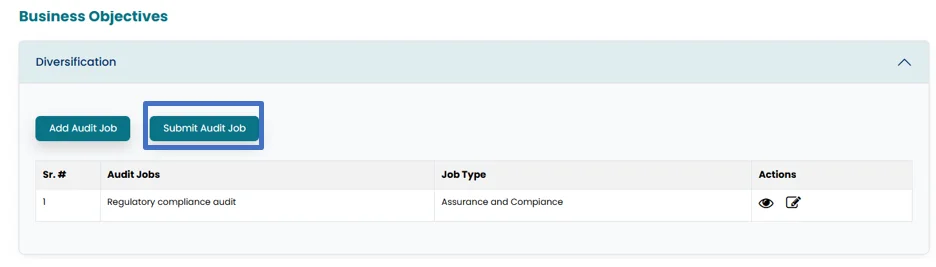
Note: All the added jobs will be populated separately in the Job Prioritization Section.