
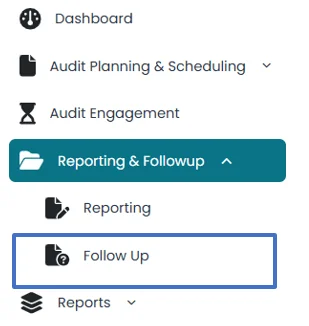
- Click of “Follow Up” under “Reporting and Follow Up” on the left side.
All observations that are approved for implementation will appear in Follow Up
- This section shows the status of implementation of each observation at
Exception to be implemented
Exception Implemented
Observation Completed
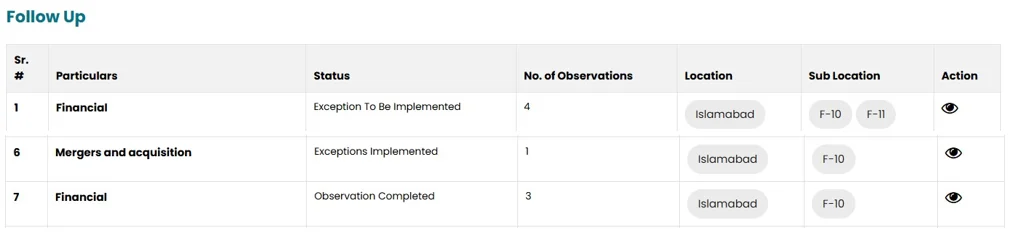
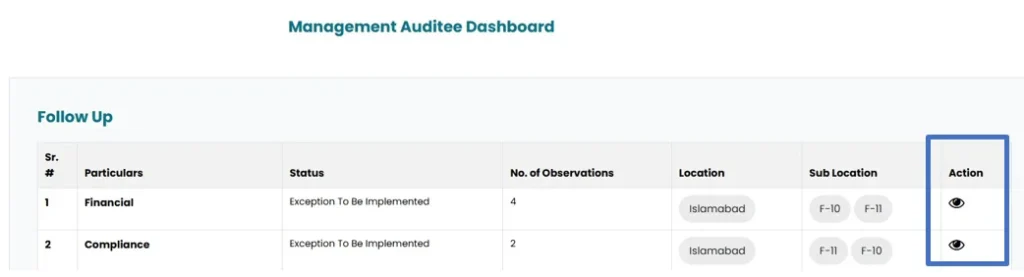
- On the agreed implementation date management respond on the status of implementation by clicking on view icon in follow up section
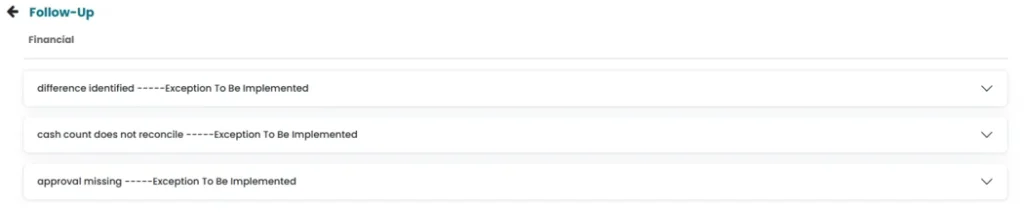
- Click on the observation to open the observation document.
- Management Respond by selecting “yes or “no” from the drop-down list in the recommendation implemented area.
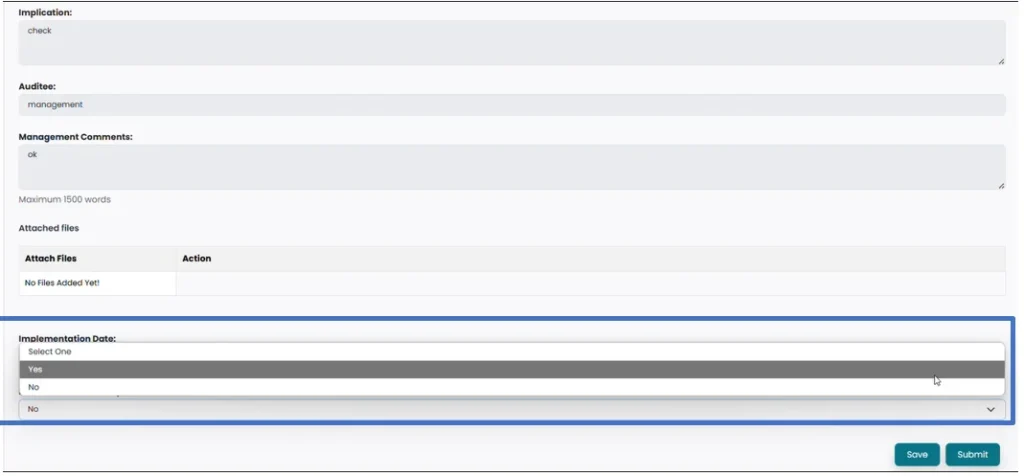
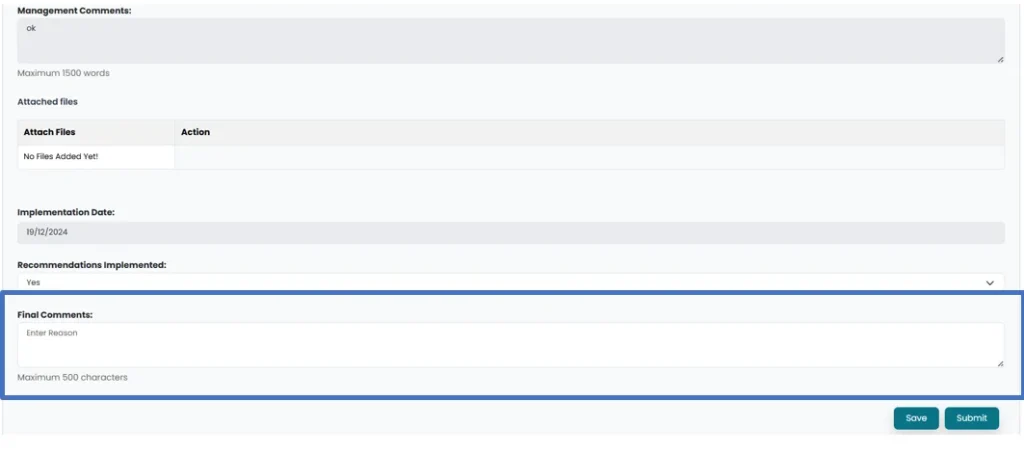
- Final comments can be populated in final comment space.
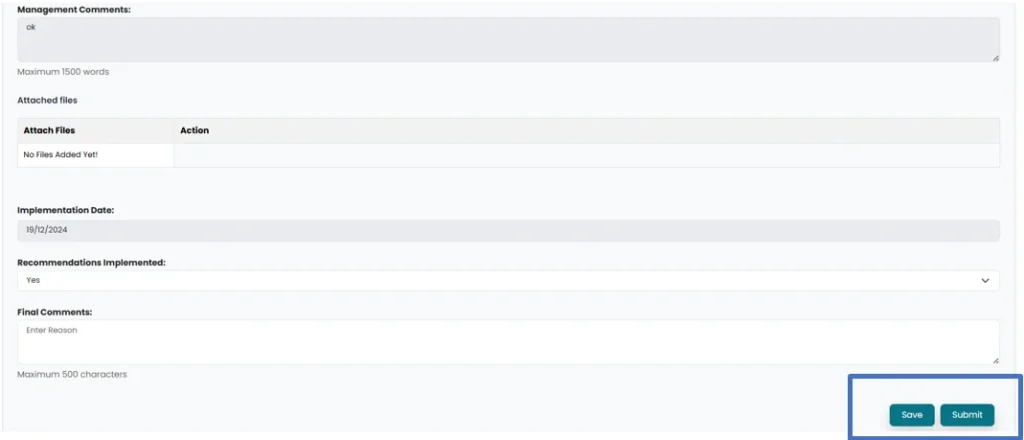
- Changes can be saved by clicking on “Save” button and submitted by clicking on “Submit” button
- After management response, observation document will be updated in User account and the status of the observation will be updated to Exceptions implemented.

- User can View the response by clicking on view icon.

- Click on observation to open observation window. User will select whether to test this observation next year by selecting “yes” or “No” from drop-down menu
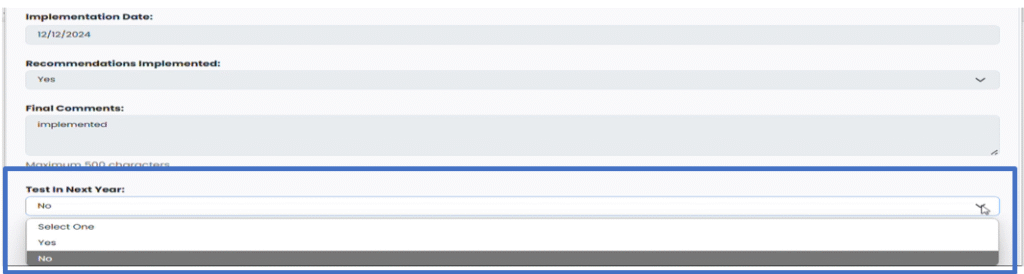
- Observation status will be updated to Observation Completed.
