
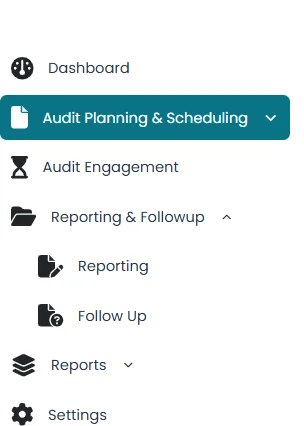
- Click on the Audit Planning & Scheduling located on the left side of the screen.
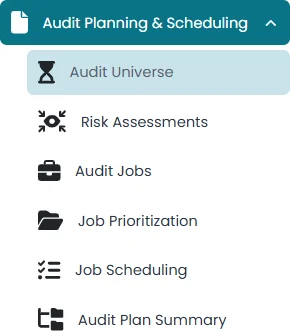
- Click on the Add Universe
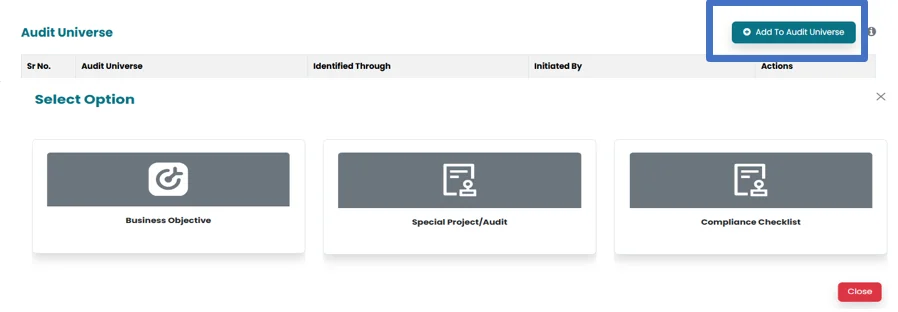
- Click on the Add to Universe icon located on the right side of the screen. This action will open three verticals.
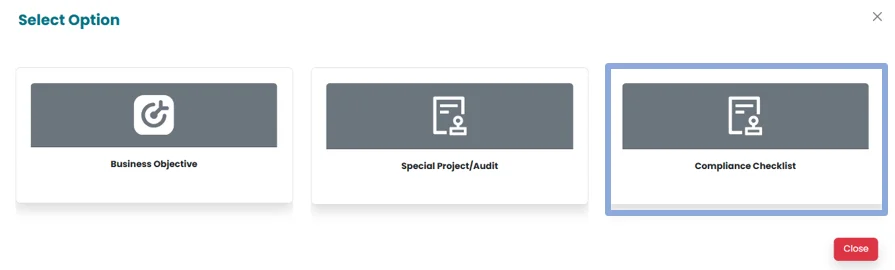
- Click on Compliance checklist icon.
- All the saved checklists will appear.
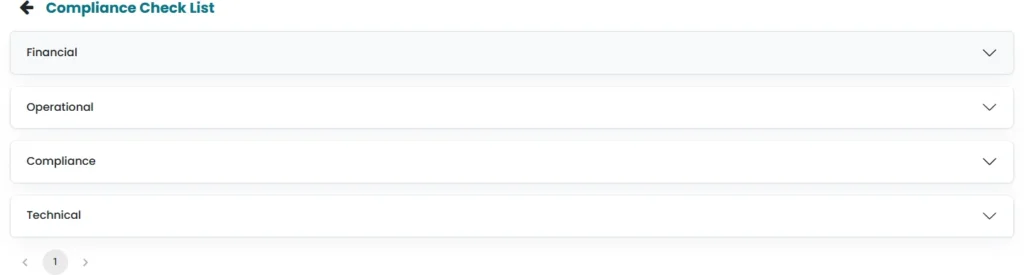
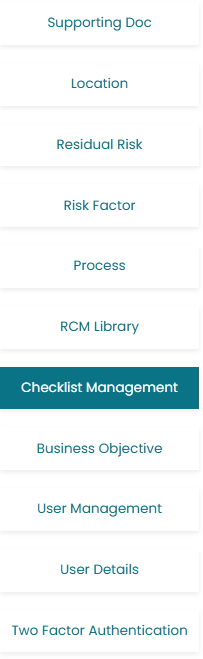
- If no checklist appears , add one through the settings section by clicking on the Compliance Management on the left side.

- Click on the required checklist for the job and Select the Checklist.
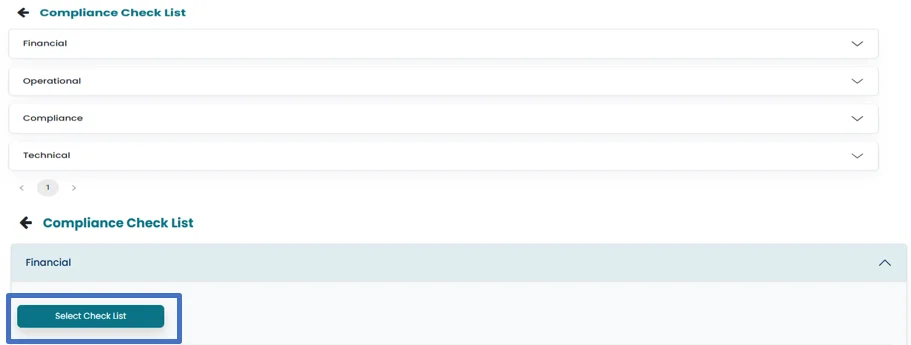
- Once the list is selected it is added to and can be viewed under the Audit Universe tab.

- It can be viewed by clicking on view icon and can be deleted by clicking on delete icon
